
A Parent’s Guide to Safe Mobile Games for Kids
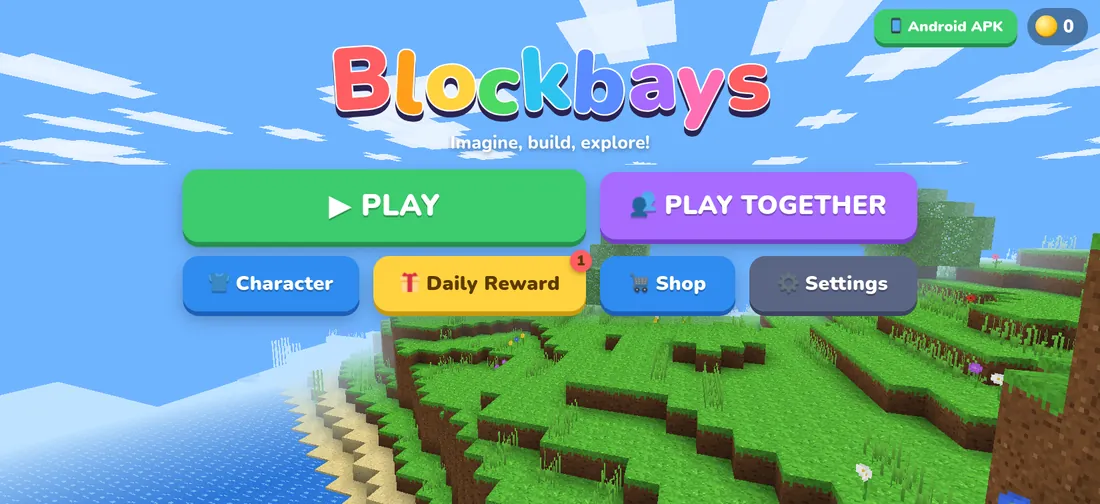
Choosing a game for your child can feel like a lot of fine print. This guide gives you a short, practical checklist and explains what we try to do in our own games. It is general advice, not legal advice.
1. Check the store label for ads and purchases
Google Play shows “Contains ads” and “In-app purchases” on the store page. These labels are reliable in one direction: if they are there, the app has them. They do not tell you how often ads appear, so try the game yourself for ten minutes before handing it over. Ads that appear before your child reaches the game are the most common cause of accidental taps.
2. Read the privacy information
Look at the “Data safety” section and the privacy policy. You want a clear policy, a plain list of what is collected, and a way to contact the developer. In the United States, apps that collect personal information from children under 13 need a parent’s consent under COPPA, and in Europe the GDPR sets similar expectations. Google Play’s Families policies also require certified ad providers and forbid personalised ads for children.
3. Prefer games with no open chat
Open text or voice chat with strangers is the biggest risk in many online games. Look for games with no chat, or with chat that is limited to friends you approve. Online play that needs a username and host approval is safer than public lobbies.
4. Look at accounts and saved data
Games that do not need an account collect less. Local saves on the device mean fewer people hold your child’s data. If a game does ask for a name or nickname, choose one that does not reveal a real name.
5. Set up purchase protection
Turn on authentication for purchases in Google Play so that a tap alone cannot spend money. Talk about the difference between optional purchases and rewarded ads.
6. Agree on screen-time rules together
Short sessions, breaks, and no screens at meals or before bed work better when kids help make the rules. Games with short levels make it easy to stop.
7. Play together
Ask your child to show you a level. Co-op games, puzzles and building games are great for family time.
What we do in our games
Our games ask for age on first start. If a player says they are under 13, they get non-personalised ads only. There is no account, no chat, and progress is stored on the device. Our privacy policy is on this site: Privacy.
Read how we make games at home: Making Games as a Family: The DadBobCic Games Story.